
View Pay Over Time Plan Details on PayDCoNC

After you've enrolled in a Pay Over Time plan through PayDCoNC (See Enroll in Pay Over Time on PayDCoN), you can view your upcoming scheduled payment details quickly and easily at any time through your PayDCoNC profile.
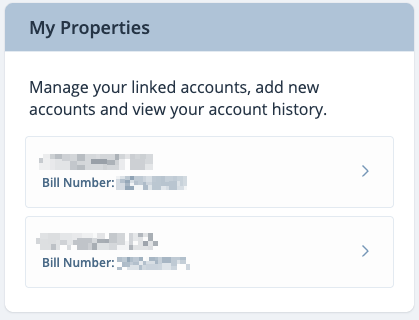
- Click on your account under My Properties on the right side of your screen
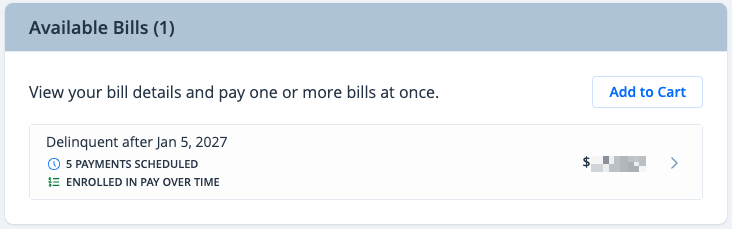
- Click on your bill under Available Bills
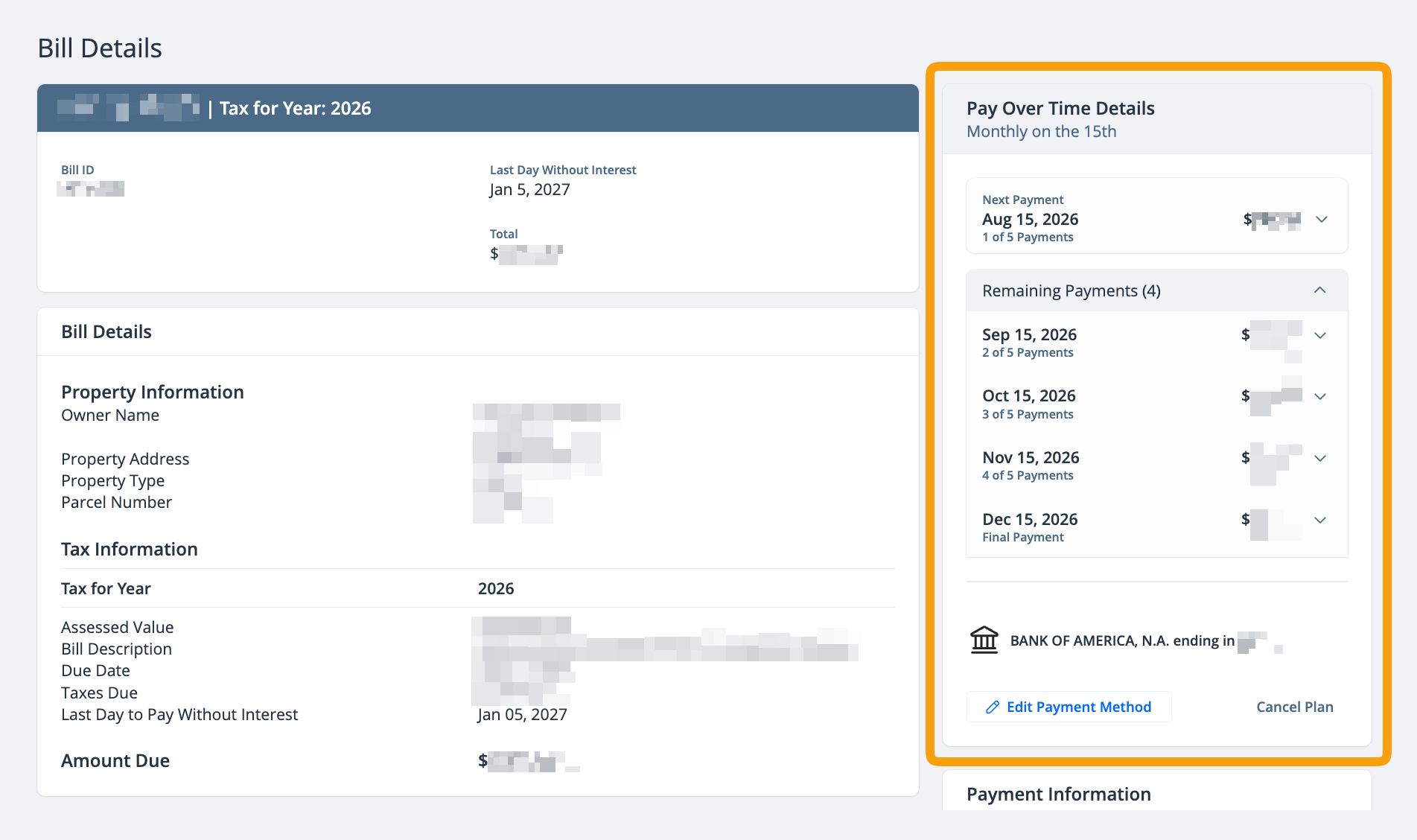
- On the Bill Details page, you can view information about your plan Pay Over Time Details
Related Articles: