Enroll in eBilling on PayDCoNC

Electronic billing – or eBilling – is a quick and convenient way to receive Durham County Property Tax bills through PayDCoNC. Residents who sign up for eBilling will receive their bills electronically via a secure email, rather than getting a paper bill through the mail.
To get started, create a profile (see Create a Profile on PayDCoNC) and connect your account (see Add a Property on PayDCoNC) then follow the steps below to enroll in eBilling:
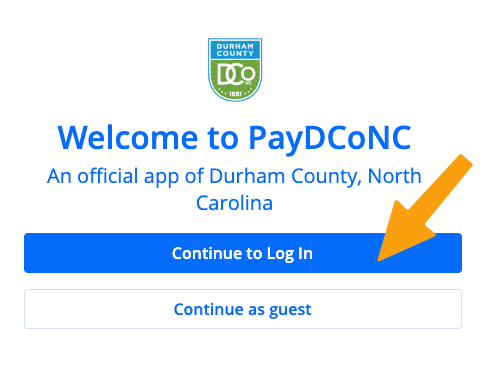
- Log into your PayDCoNC profile
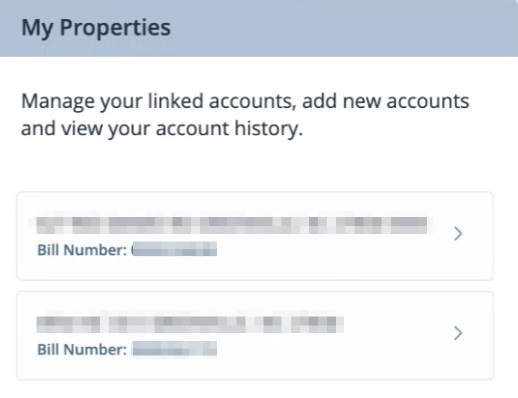
- Towards the right of the screen see, "My Properties" and select the property you wish to enroll
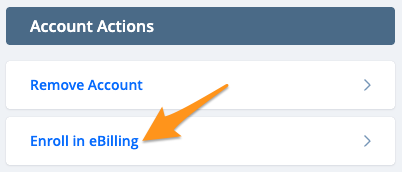
- Under "Account Actions" click Enroll in eBilling
- Click Accept

You are now enrolled in eBilling and will receive email notifications for new tax bills. If you decide to unenroll, see Unenroll from eBilling on PayDCoNC.